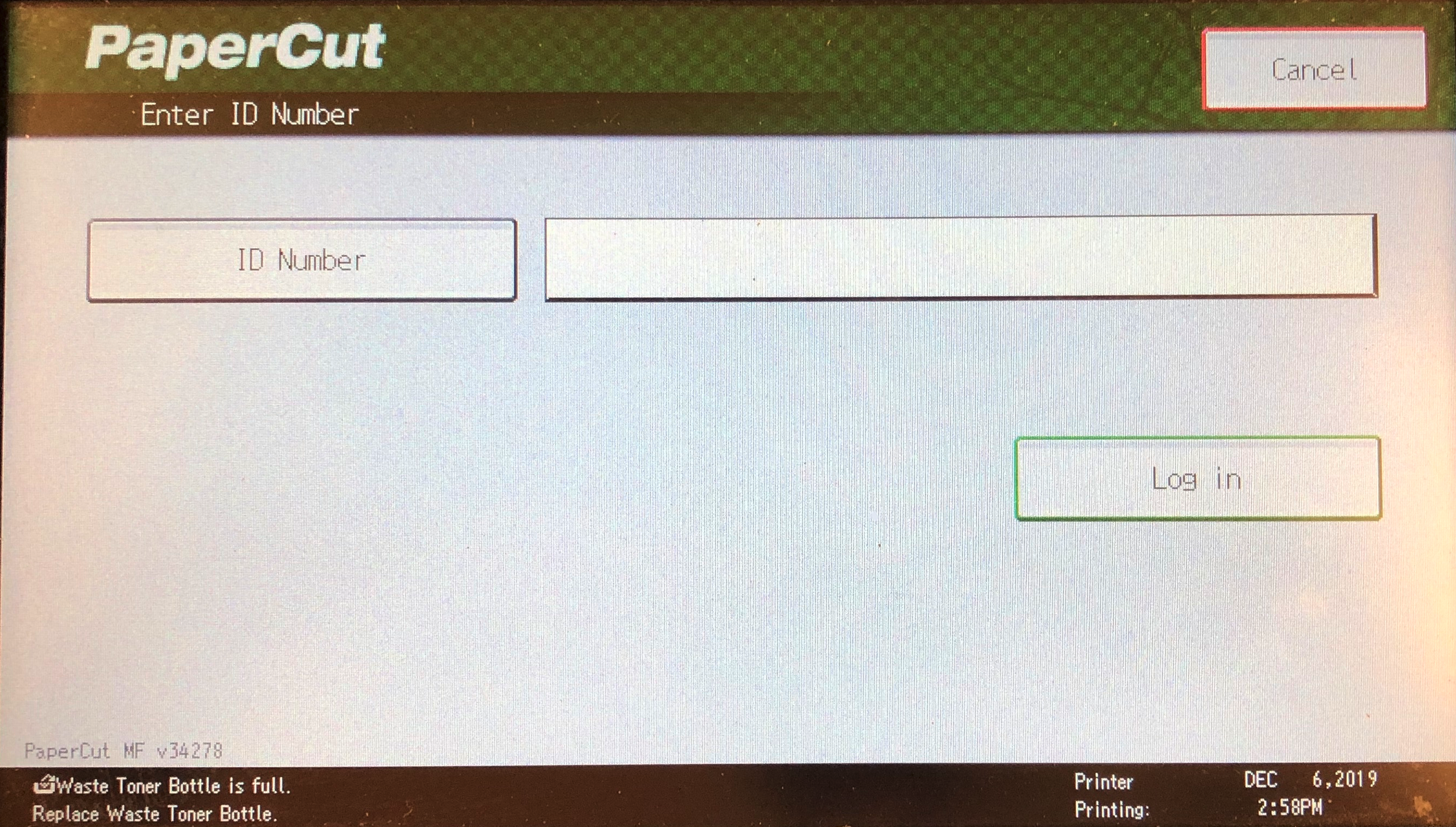
DDSD staff can still use copiers when the badge reader is not working or they don't have their badge on hand.
This will allow the user to make copies or release print jobs.
There are two methods.
- BadgeID Number (A 5 Digit code located on the back of your printed badge card
- Email and Password
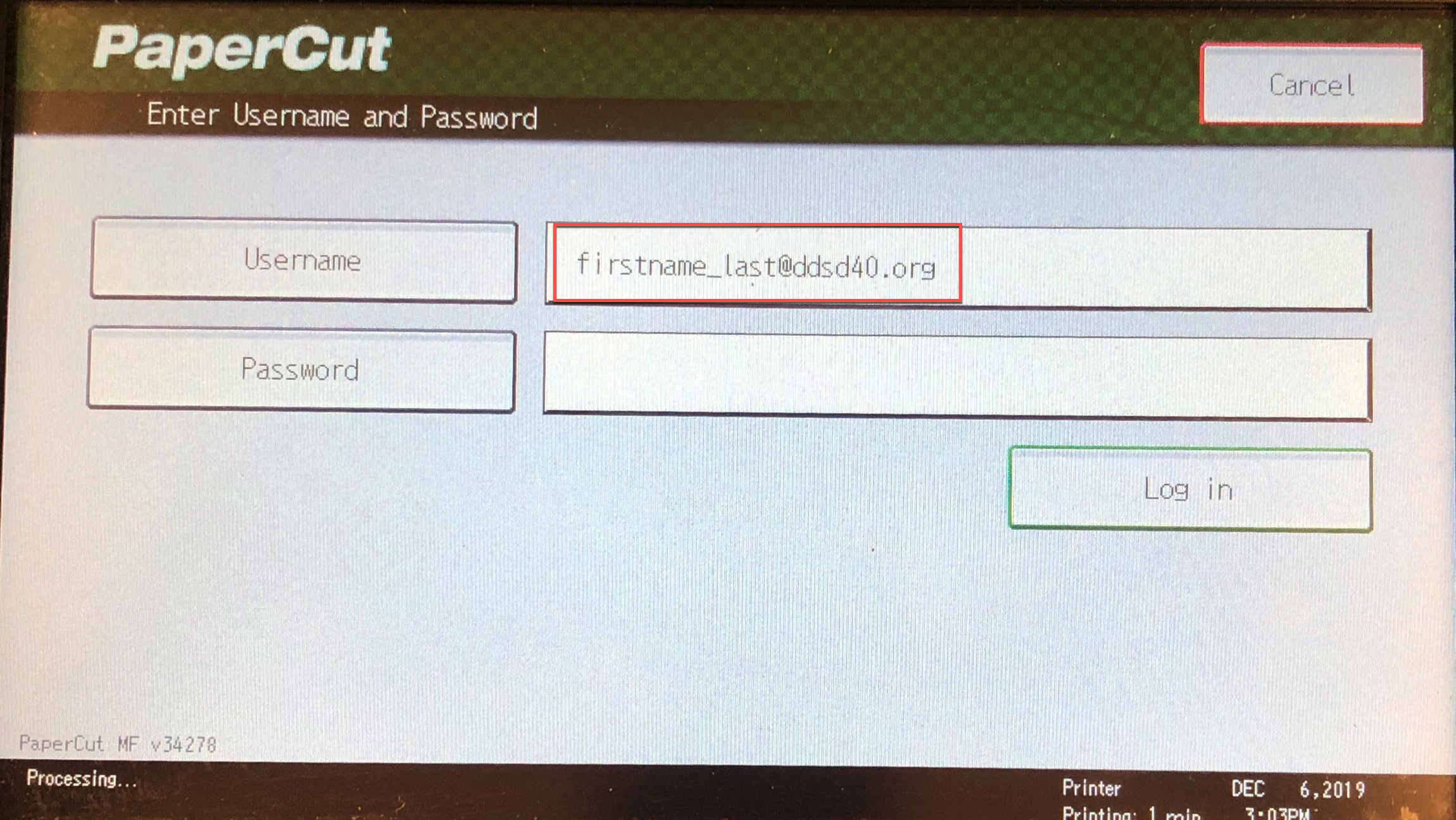
Every Copier should have the following screen. Users can select either option if their badge or the badge reader is not working.

- Email and Password
Users will input their full DDSD provided email address and password to authenticate and use the copier.
- Badge ID
This allows the user to input just their badge ID without a password required.
Your badge ID can be located on the back of your badge. It is the first series of numbers. (normally 5 to 7 characters)
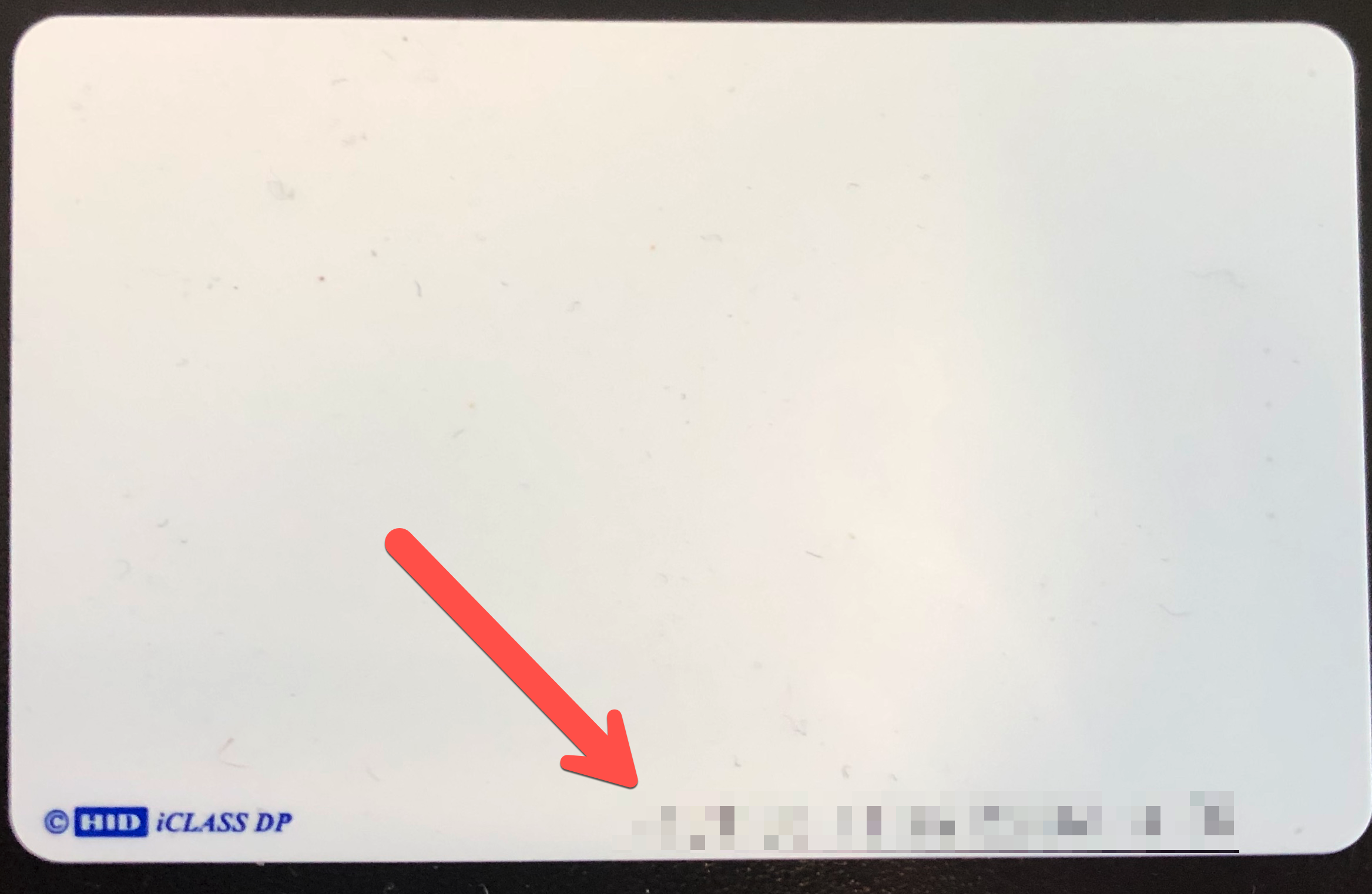
Once a user identifies their badge number they can then input it on the screen below.