David Douglas Staff can use Google Hangouts to make phone calls.
This can be done from a computer or a mobile device while signed in to your ddsd40.org account.
Users can either sign-in on their accounts at www.gmail.com on a computer or download the Hangouts app on their iOS or Android-enabled phones/tablets.
Hangouts Chat App on Android or iOS
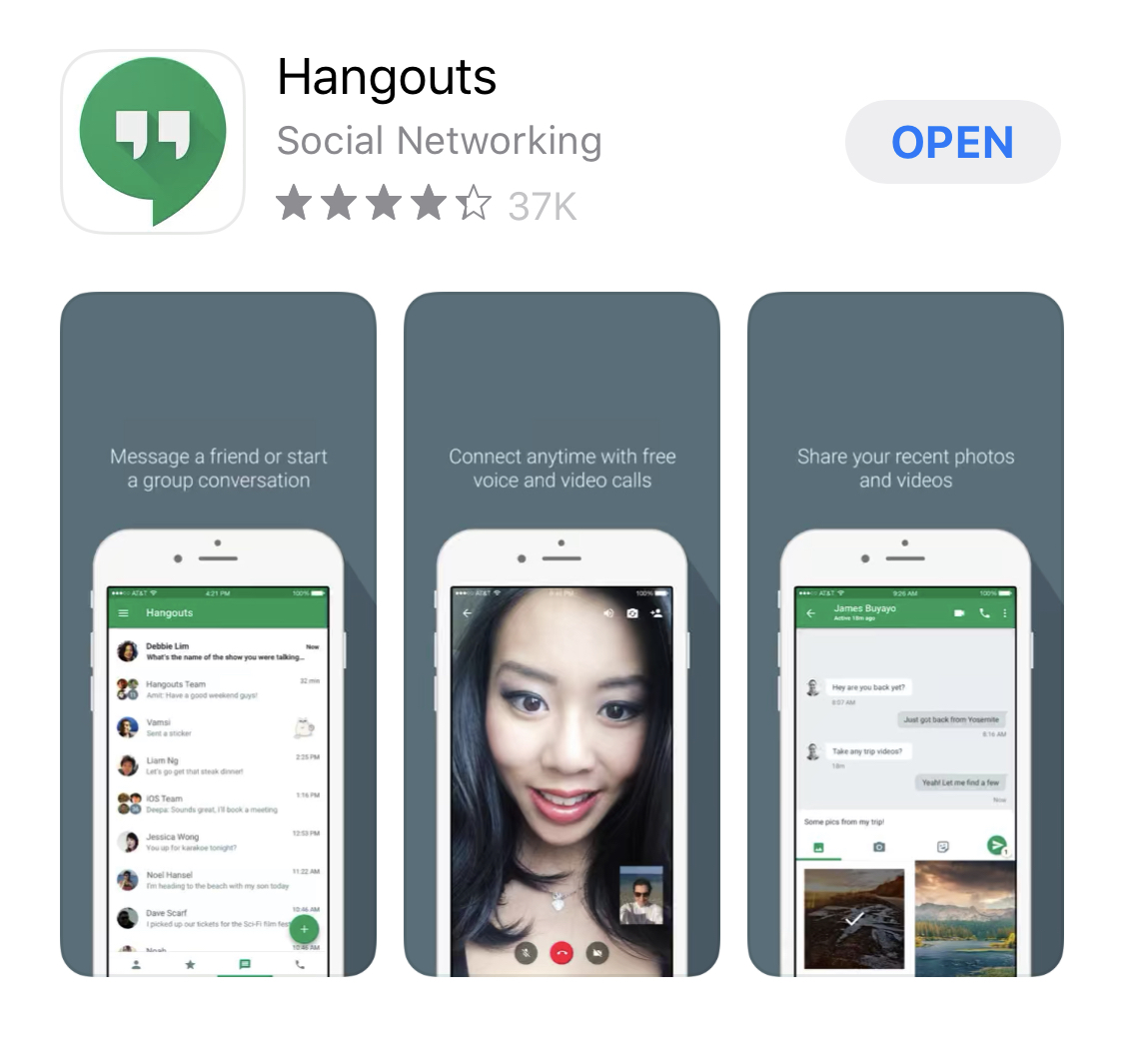
- Open the Hangouts app
.
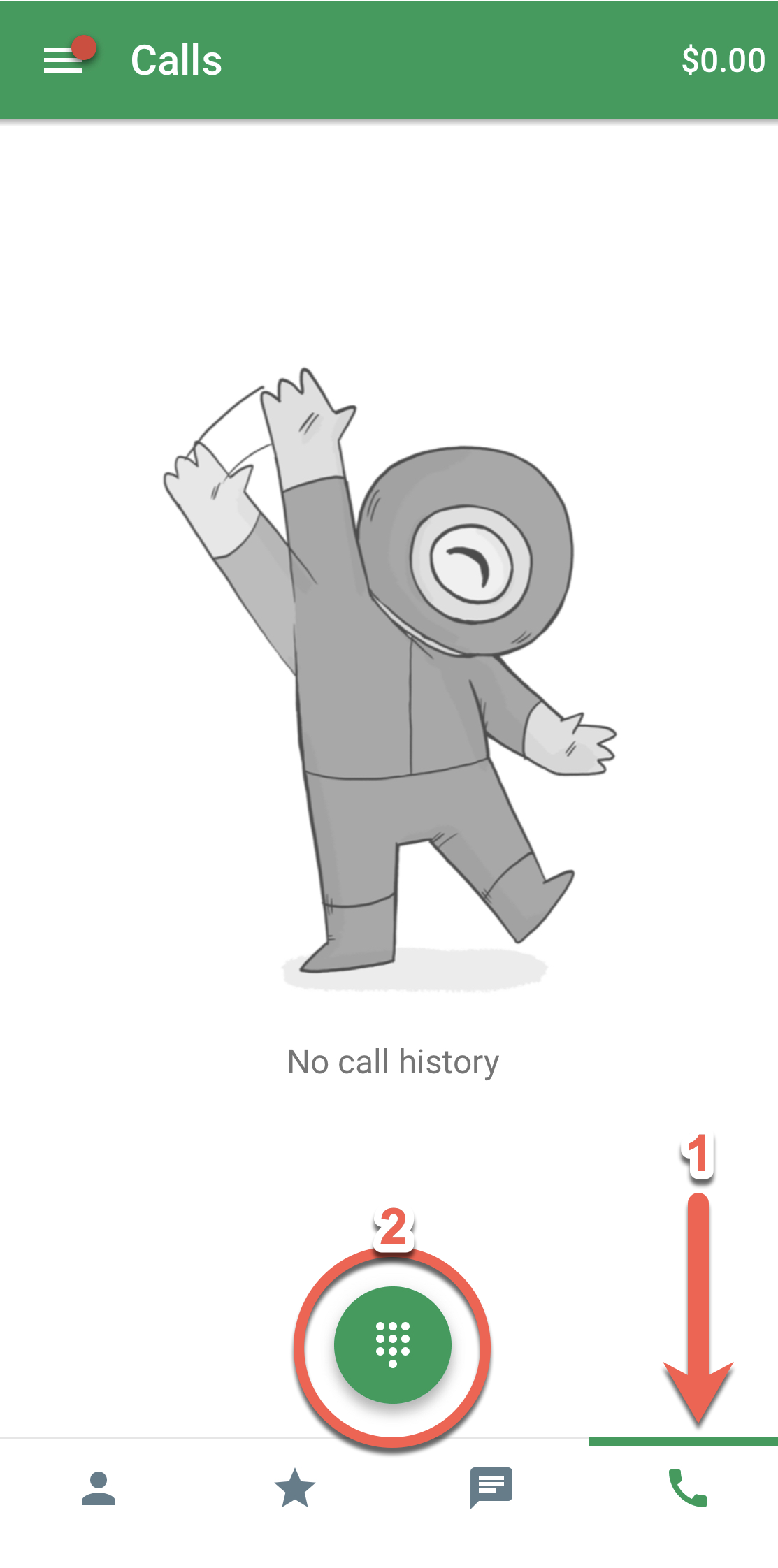
- Tap the Dialer tab
.
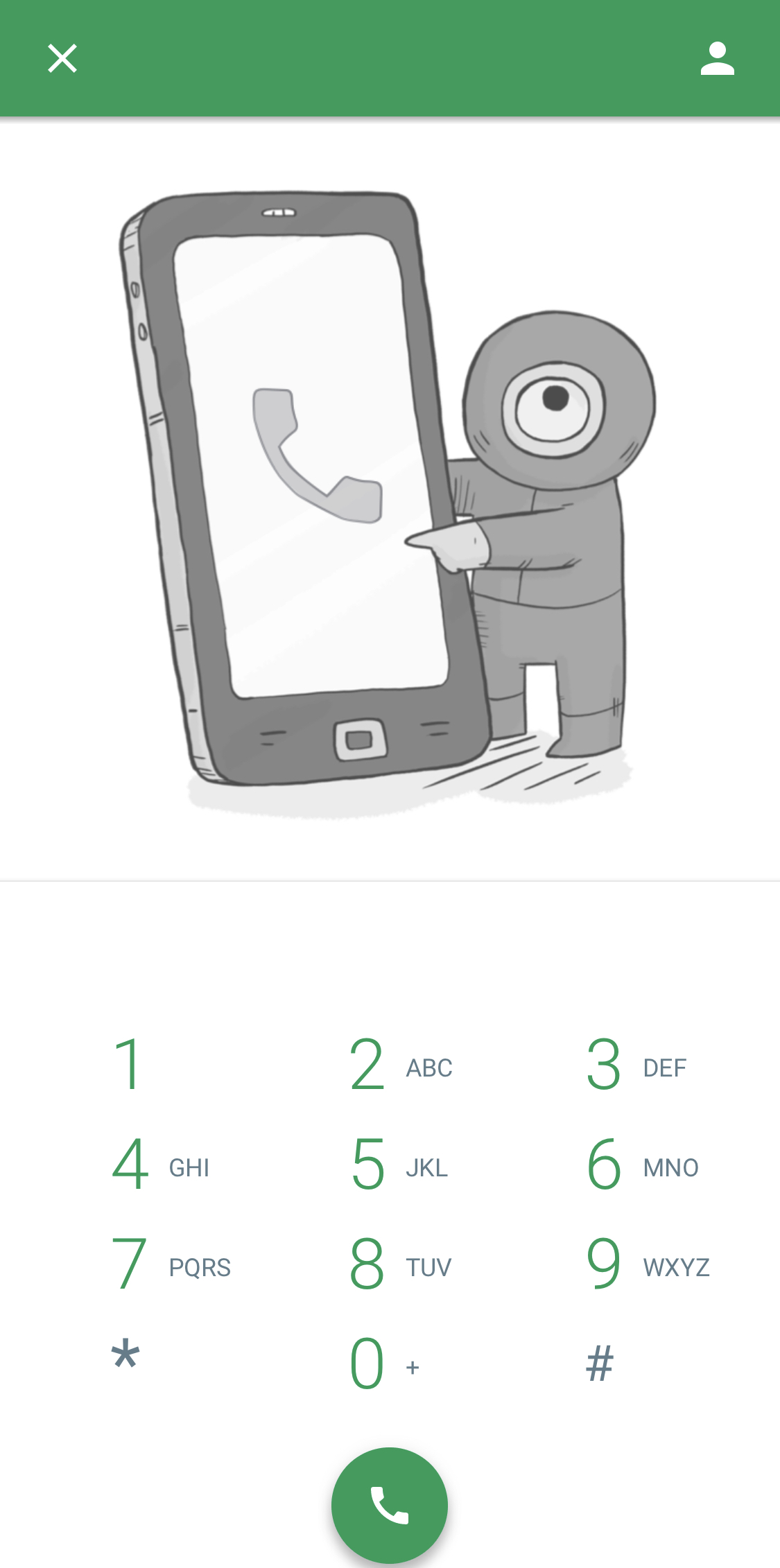
- At the bottom, tap Dialpad
.
- Enter a phone number.
- Tap Call
Hangouts Chat in Google Chrome Browser
- On your computer, go to Hangouts at hangouts.google.com or in Gmail.
- Click the Call tab
.
- In the search box, type a phone number or name. To enter an international country code, click the menu or type it into the search box (for example, +55 for Brazil).
- Click the phone number or person's name that you want to call.
- To enter an extension, click the Dialpad
.
- To end a call, close the Hangout window, or click End call
. The call will also end if you run out of calling credit.
