If Kami goes into offline mode, users can manually update/submit classwork later when internet access is available.
- Student/Staff must have the Kami Chrome Extension installed (This automatically loads for students when signed into a Chromebook)
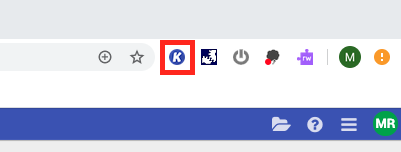
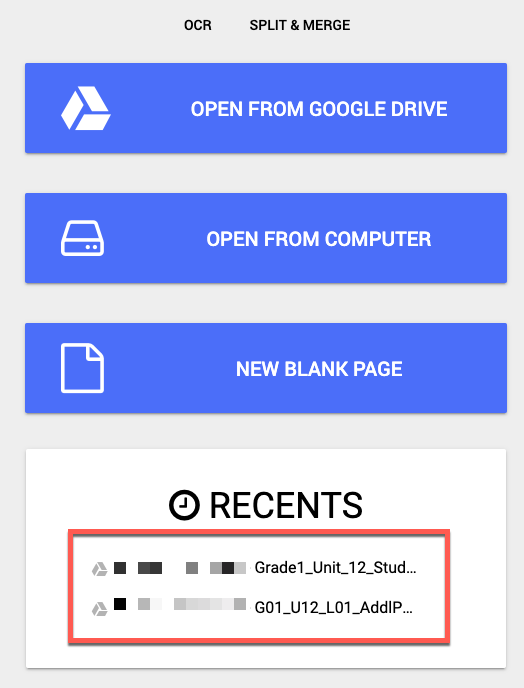
Click on the Kami extension and it will show "recent documents." Select the document that needs to be resubmitted.
While in the document. In the top right corner select the "Save" icon and choose to manually save the document (Save Now) or move it to the correct Classroom folder.
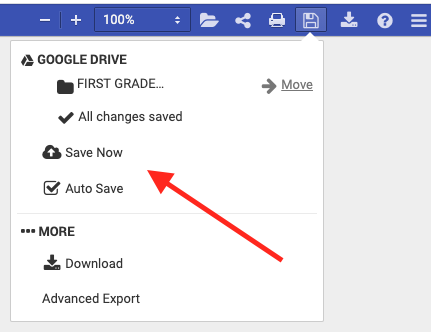
The document will now be updated with the correct annotation and saved.